ZonPlay Game

Quick Sudoku Mini

Play Quick Sudoku Mini instantly in your browser. No download needed. Works smoothly on desktop and mobile.
Quick Facts

Genre
Browser
Players
Single-player
Mechanic Focus
Tile merging and number sequencing
Platform
Browser (desktop + mobile)

About Quick Sudoku Mini

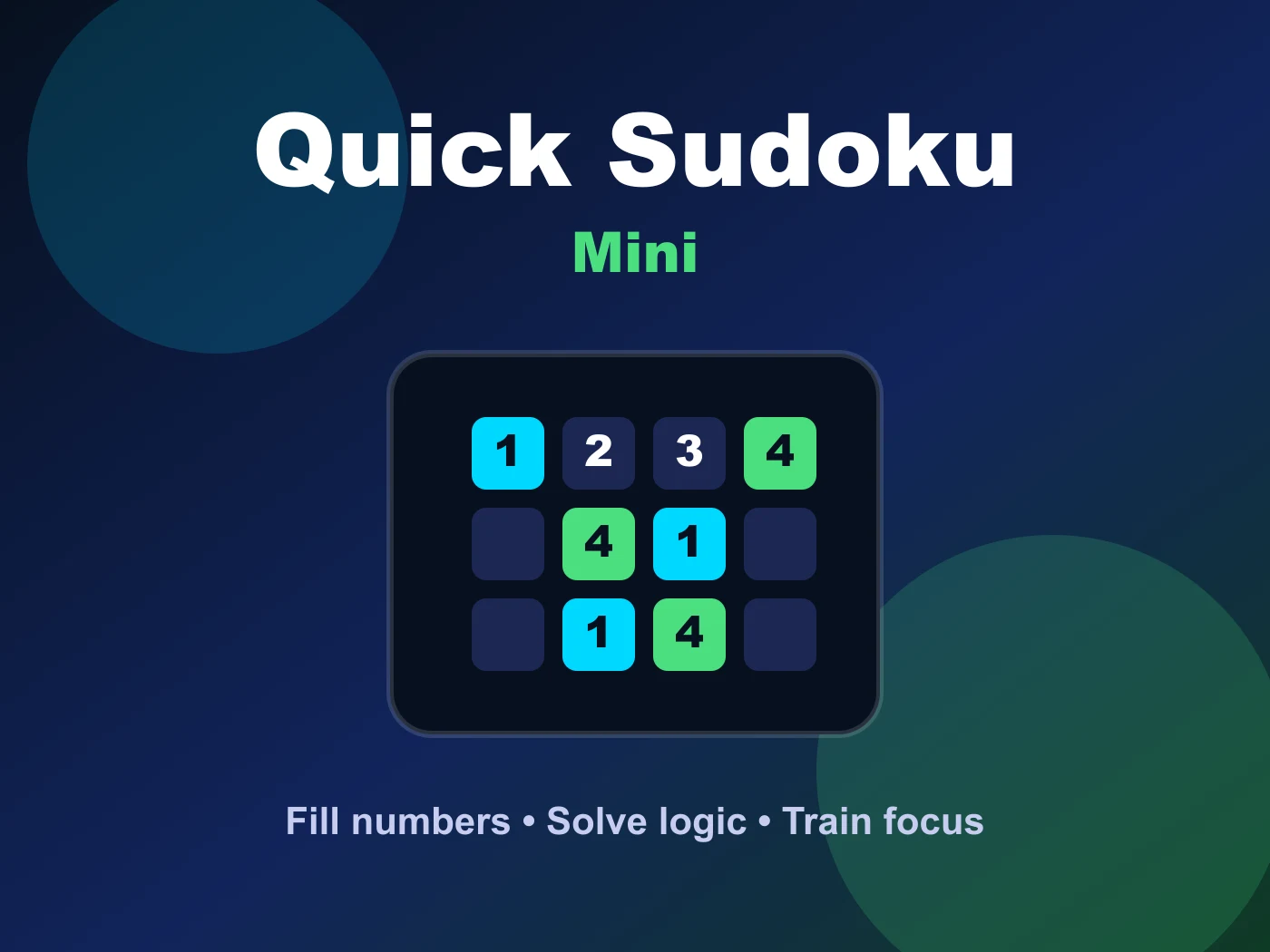
Quick Sudoku Mini brings the famous number puzzle to your browser in a compact 4×4 format. Fill the grid so every row, column, and 2×2 box contains the digits 1–4.

Quick Sudoku Mini is designed for short, focused browser play sessions where every round gives you a clear objective and quick feedback. The browser style keeps the experience easy to understand, while the tile merging and number sequencing focus gives players room to improve their timing, planning, and consistency. Because it runs directly in the browser, you can start a round without downloads, accounts, or extra setup.

How to Play Quick Sudoku Mini

Click an empty cell, then enter the correct digit using the number pad or keyboard. Each row, column, and 2×2 box must contain every digit from 1 to 4 exactly once. Complete the grid to win.

A good way to enjoy Quick Sudoku Mini is to treat the first attempt as a warm-up, then use later attempts to refine your decisions. Watch how the game reacts to each move, compare risky choices with safer ones, and build a rhythm that matches the challenge. Players who like browser will usually get the most value by replaying levels with one specific goal in mind, such as fewer mistakes, a cleaner route, or a higher final score.

Controls & Input

Click a cell to select it, then press 1–4 on the keyboard or tap a digit on the on-screen pad.

The controls are intentionally simple so the challenge stays focused on reading the situation instead of learning a complex input system. On desktop, use the keyboard or mouse actions shown in the game window; on mobile or tablet, use touch input when supported. If a round feels difficult, slow down for a moment and make sure each input is deliberate rather than rushing through the sequence.

Strategy & Tips

For better results, focus on one improvement at a time. Start by learning the basic pattern, then work on speed only after your decisions become consistent. Many mistakes in quick sudoku mini come from reacting too early or ignoring the next obstacle, so keep your attention on the full play area instead of only the object you control.

  • Start with rows, columns, or boxes that already have the most numbers filled in.
  • Use pencil marks to note possible candidates in empty cells before committing.
  • The 'naked single' technique — if only one digit fits a cell — is your fastest path forward.

Best For

  • Players who prefer touch-friendly controls on phones and tablets
  • Desktop players who like keyboard-based control
  • Anyone looking for lightweight family-friendly browser play

Frequently Asked Questions

How hard are the puzzles?

Quick Sudoku Mini offers multiple difficulty levels from beginner to expert.

Can I get a hint?

Yes, a hint button highlights one valid cell to help when you are stuck.

Are puzzles randomly generated?

Yes, each game provides valid compact puzzle layouts with clear logic and careful placement.

More Games Like This

Enjoy similar games in our library. Browse by category or search for more titles with comparable gameplay mechanics.

Explore All Games →